Keycloakのマニュアル
EN: Server Installation and Configuration Guide
JP: Server Installation and Configuration Guide
バージョン
- keycloak 6.0.1
- ubuntu 18.04.1
要件
- Can run on any operating system that runs Java
- Java 8 JDK
- zip or gzip and tar
- At least 512M of RAM
- At least 1G of diskspace
- A shared external database like PostgreSQL, MySQL, Oracle, etc. Keycloak requires an external shared database if you want to run in a cluster. Please see the database configuration section of this guide for more information.
- Network multicast support on your machine if you want to run in a cluster. Keycloak can be clustered without multicast, but this requires a bunch of configuration changes. Please see the clustering section of this guide for more information.
- On Linux, it is recommended to use /dev/urandom as a source of random data to prevent Keycloak hanging due to lack of available entropy, unless /dev/random usage is mandated by your security policy. To achieve that on Oracle JDK 8 and OpenJDK 8, set the java.security.egd system property on startup to file:/dev/urandom.
オペレーションモード
- Standalone Mode
- 1台だけで動かす
- Standalone Clustered Mode
- 複数台構成
- 設定変更は個別サーバーに必要
- Domain Clustered Mode
- 複数台構成
- 設定変更はMasterのみ
- Cross-Datacenter Replication Mode
- データセンターを分けての運用などで使う
クラスタで構築したいので、Standalone Clustered ModeかDomain Clustered Modeが良さそう。
インストール
Java(OpenJDK 8)のインストール
sudo apt install openjdk-8*
Keycloakのインストール
wget https://downloads.jboss.org/keycloak/6.0.1/keycloak-6.0.1.tar.gz
tar xvf keycloak-6.0.1.tar.gz
cd keycloak-6.0.1/bin
./standalone.sh
新しくターミナルを開く。
インストール直後はマシン内からのみ管理画面にアクセスできる。そのため、SSHダイナミックポートフォワードを使って管理画面へ接続する。
ssh -D 10080 koyama@192.168.100.152
ブラウザのプロキシ設定を以下にして https://127.0.0.1:8080/auth/ へアクセスする。
- プロキシタイプ: SOCKS
- プロキシアドレス: 127.0.0.1
- プロキシポート: 100080
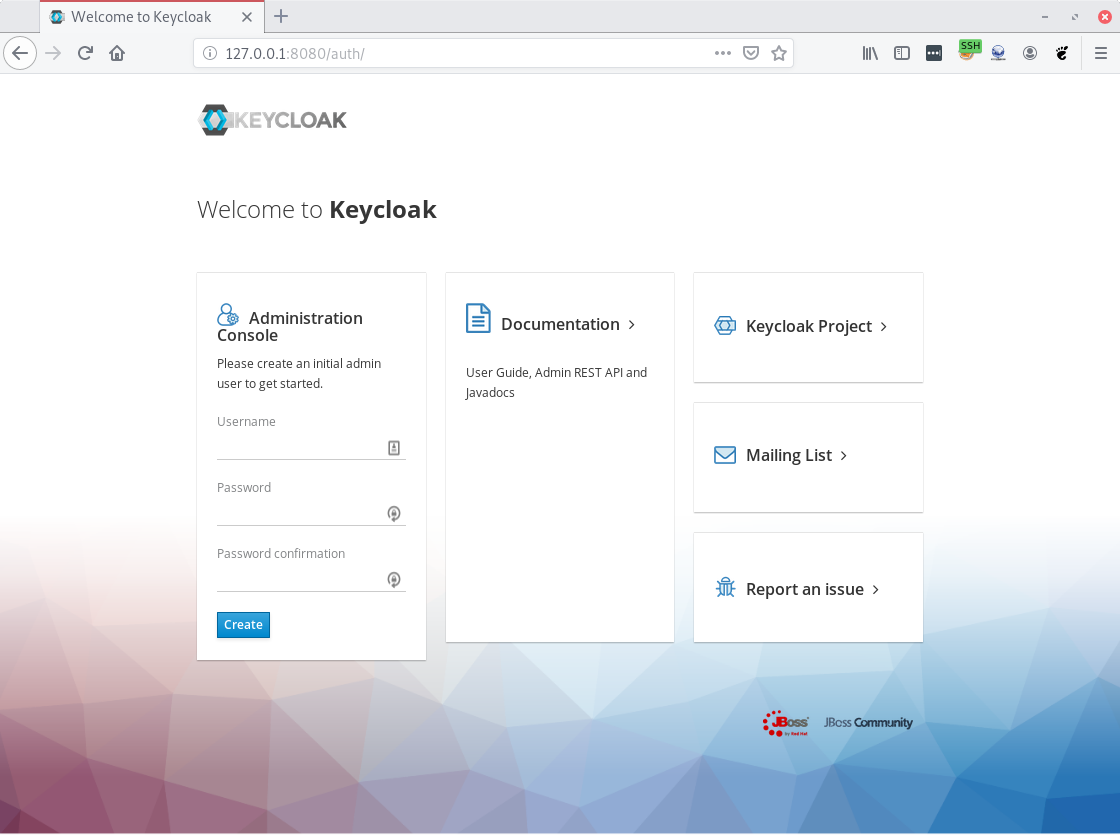
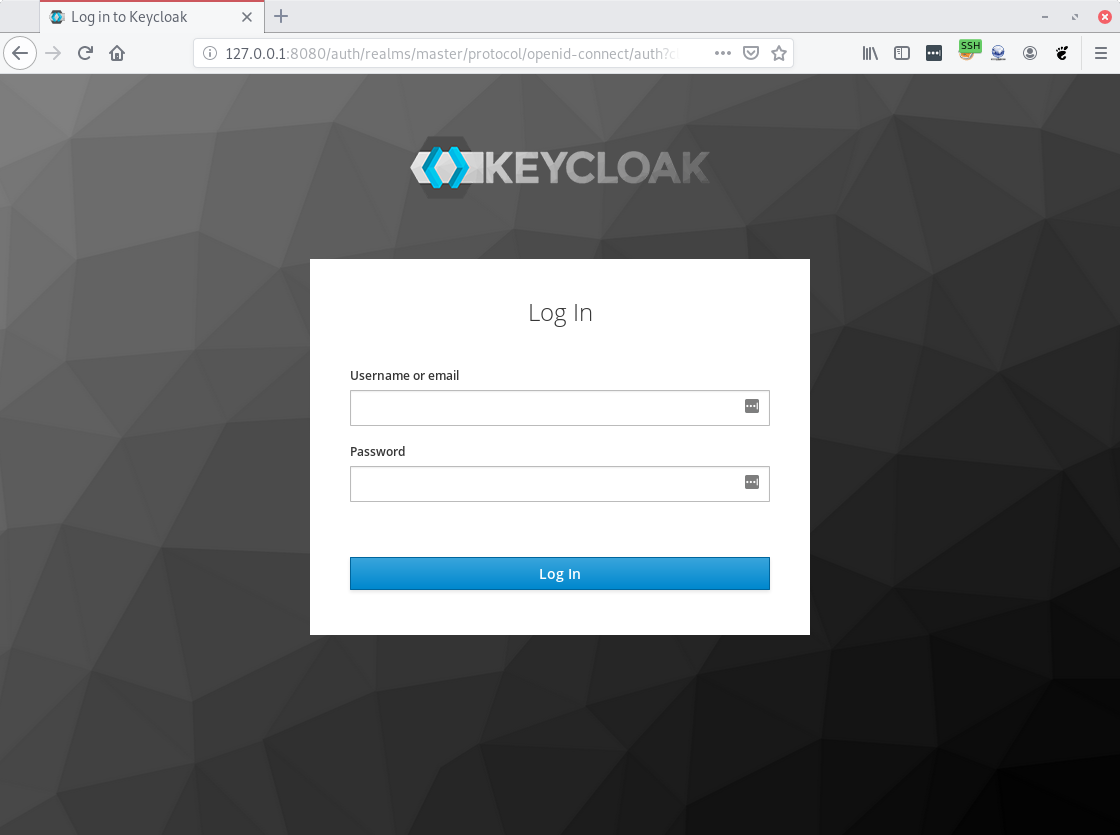
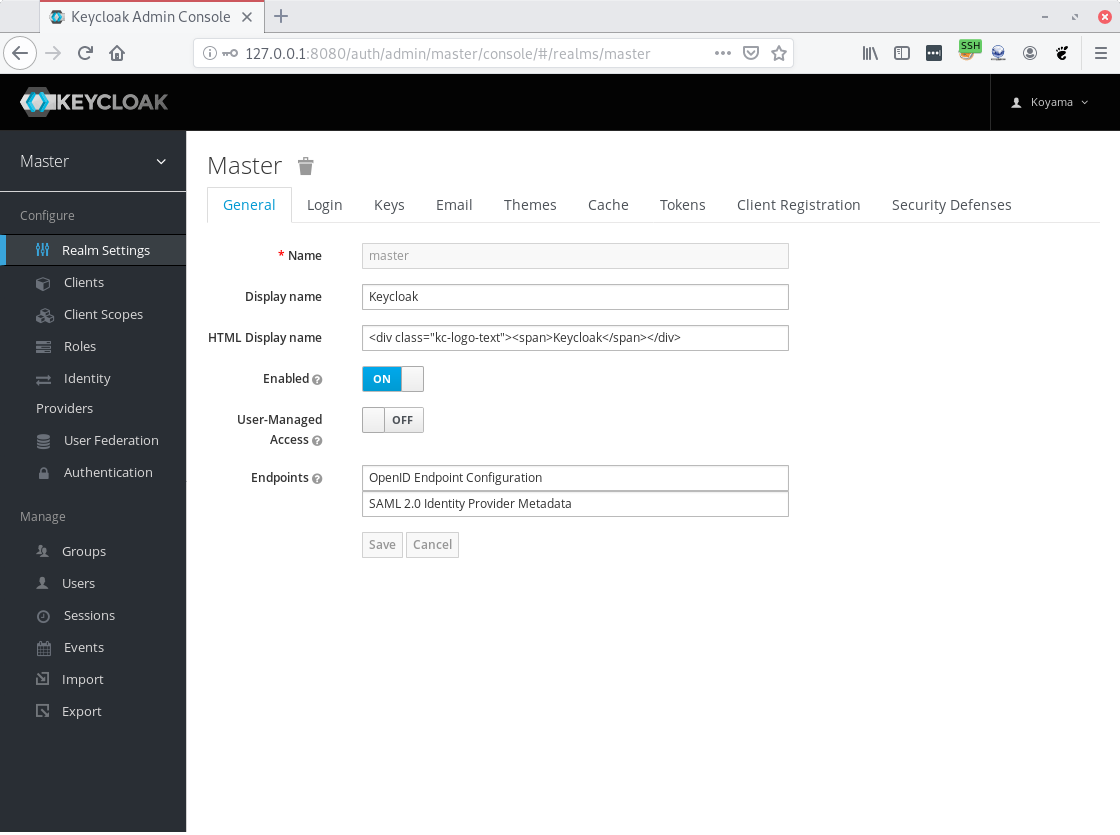
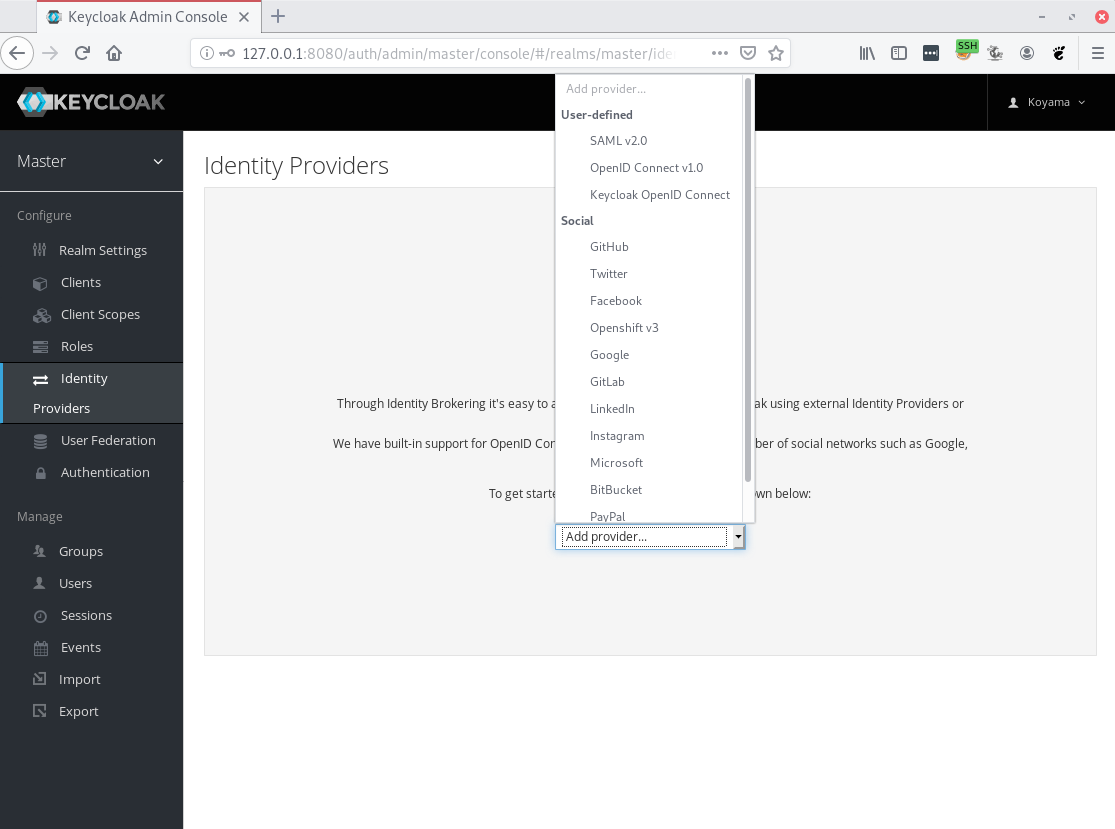
ブラウザでの操作(スクリーンショット)
インストール直後:
ユーザー作成後:
ログイン直後:
Identity Providers 設定
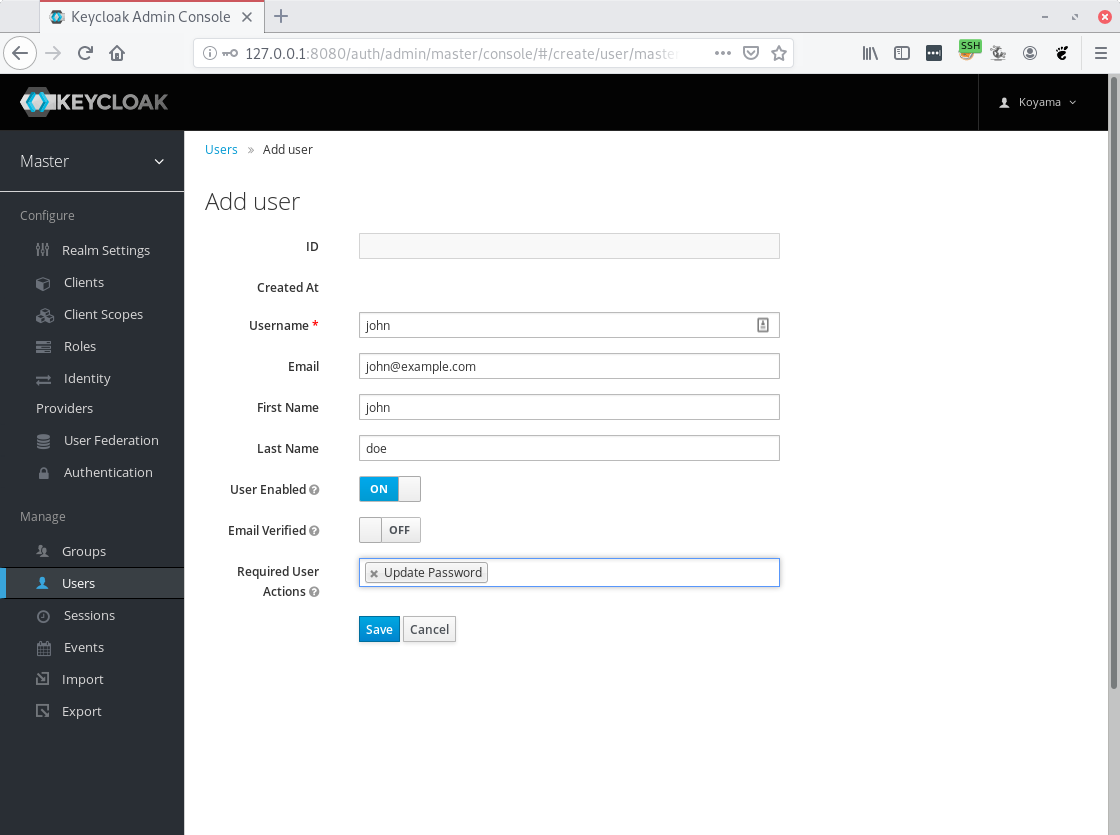
ユーザ追加
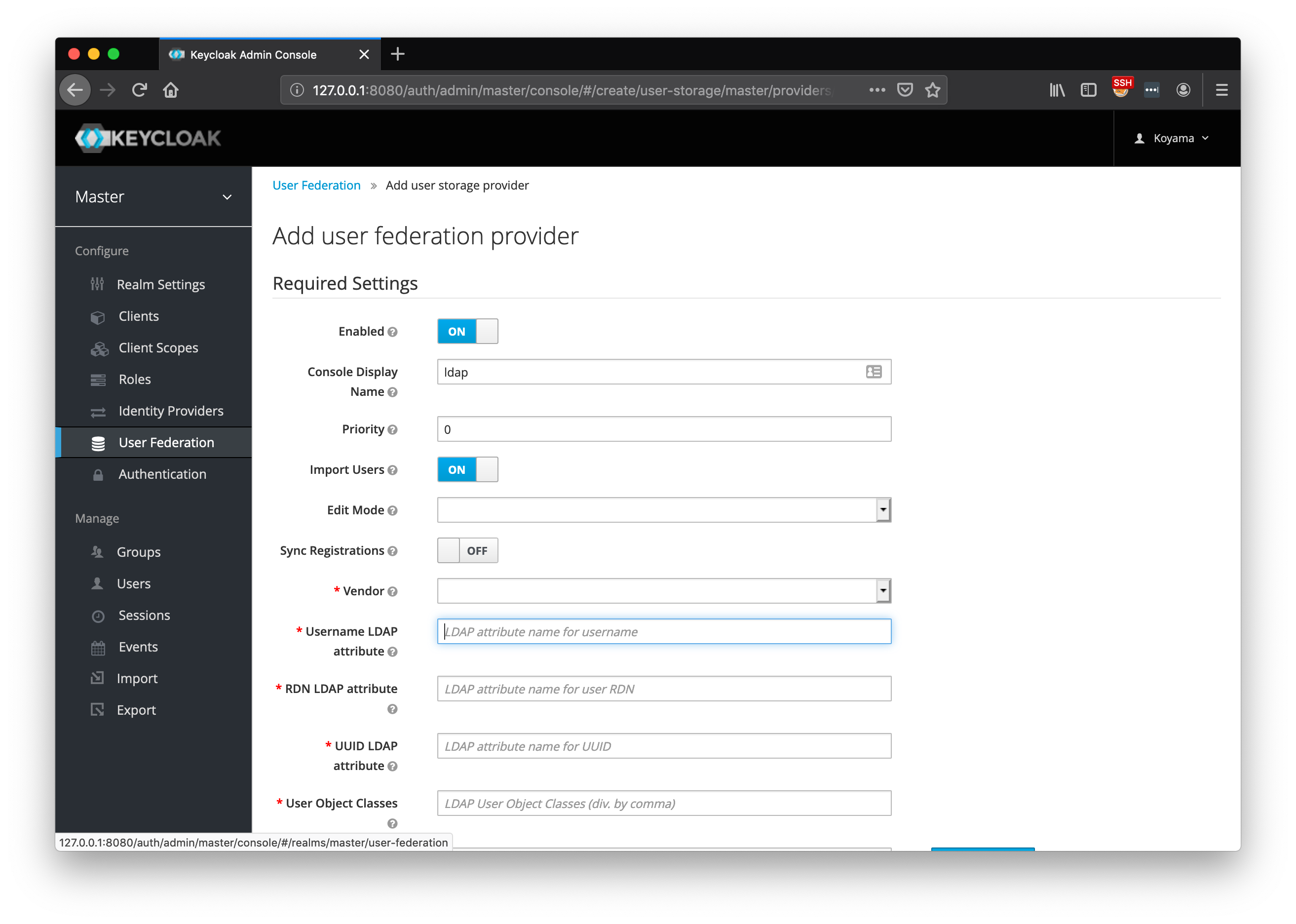
LDAP連携設定は「User Federation」に設定項目がある
Linuxからの認証
OAuth-pam
Google Code Archive - Long-term storage for Google Code Project Hosting.
FreeIPAは別途必要?
LDAP機能を実現するにはFreeIPAは必要になる。
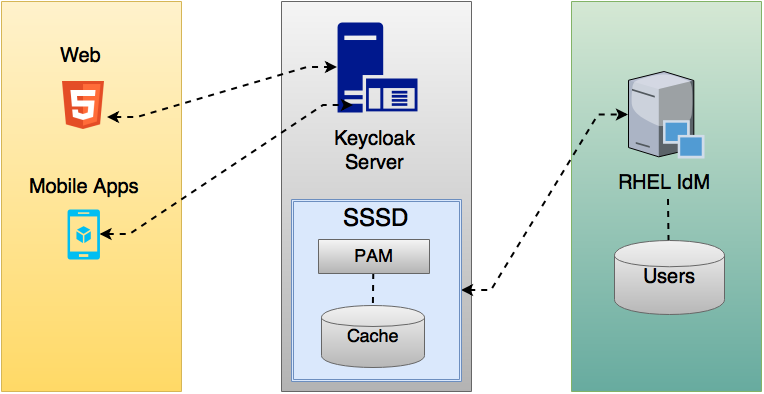
Keycloak also comes with a built-in SSSD (System Security Services Daemon) plugin. SSSD is part of the latest Fedora or Red Hat Enterprise Linux and provides access to multiple identity and authentication providers. It provides benefits such as failover and offline support. To see configuration options and for more information see the Red Hat Enterprise Linux Identity Management documentation.
SSSD also integrates with the FreeIPA identity management (IdM) server, providing authentication and access control. For Keycloak, we benefit from this integration authenticating against PAM services and retrieving user data from SSSD. For more information about using Red Hat Identity Management in Linux environments, see the Red Hat Enterprise Linux Identity Management documentation.
https://www.keycloak.org/docs/6.0/server_admin/#_sssd